RhythmHub
Install, update and play MajdataPlay and OurTaikoPlay.
Windows x64 · macOS on Apple silicon
Features
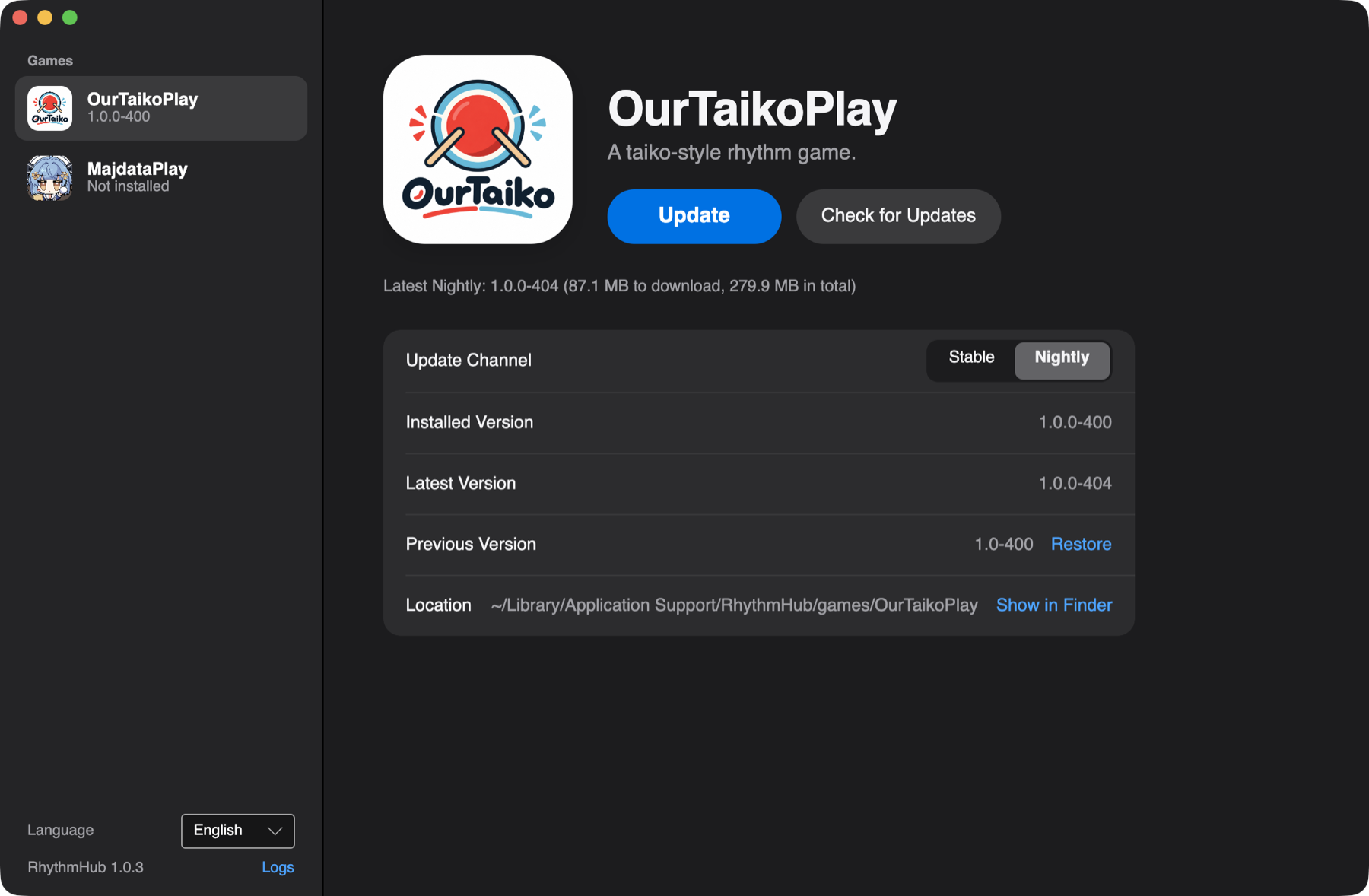
Incremental updates
Downloads only the files that changed and reuses the rest.
Resumable downloads
Pause any time; an interrupted download picks up where it stopped.
Signed releases
Every release manifest is signed, and each file’s hash is checked before install.
Rollback
If a new version misbehaves, restore the previous one without downloading it again.
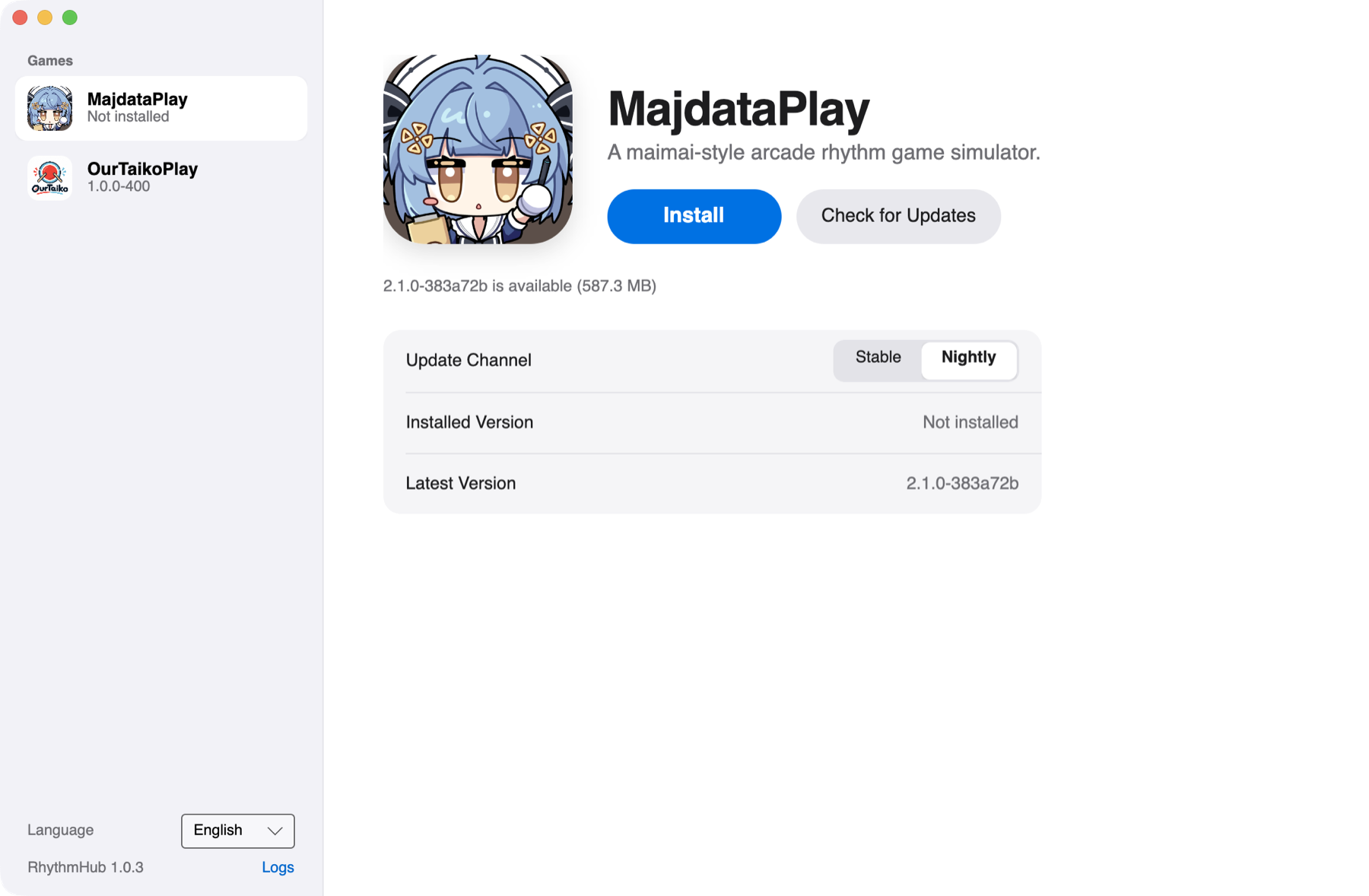
Update channels
Choose Stable or Nightly for each game.
Self-updating
The launcher downloads its own updates in the background and applies them on restart.
Games

MajdataPlay
A maimai-style arcade rhythm game simulator.

OurTaikoPlay
A taiko-style rhythm game.
Download
Updates itself once installed.
CDN
Where the buttons above download from. Always the latest version:
https://distrib.sparkbarry.com/RhythmHub/MacOS/RhythmHub-osx-Setup.pkg
https://distrib.sparkbarry.com/RhythmHub/Windows/RhythmHub-win-Setup.exe
GitHub Releases
Installers for every version, named with the version number, such as RhythmHub_1.0.2_aarch64.pkg.
First launch
The installers aren’t signed yet, so the system blocks the first launch. You only need to allow it once per computer:
- macOS: open it once, then click “Open Anyway” in System Settings → Privacy & Security.
- Windows: in the SmartScreen prompt, click “More info → Run anyway”.